Skip to the content
Docs

A help center your customers and Bridle both read.

Write a doc once. Customers find it, and Bridle answers from it.
  1. You write a doc once
  2. Bridle reads it
  3. Every answer uses it
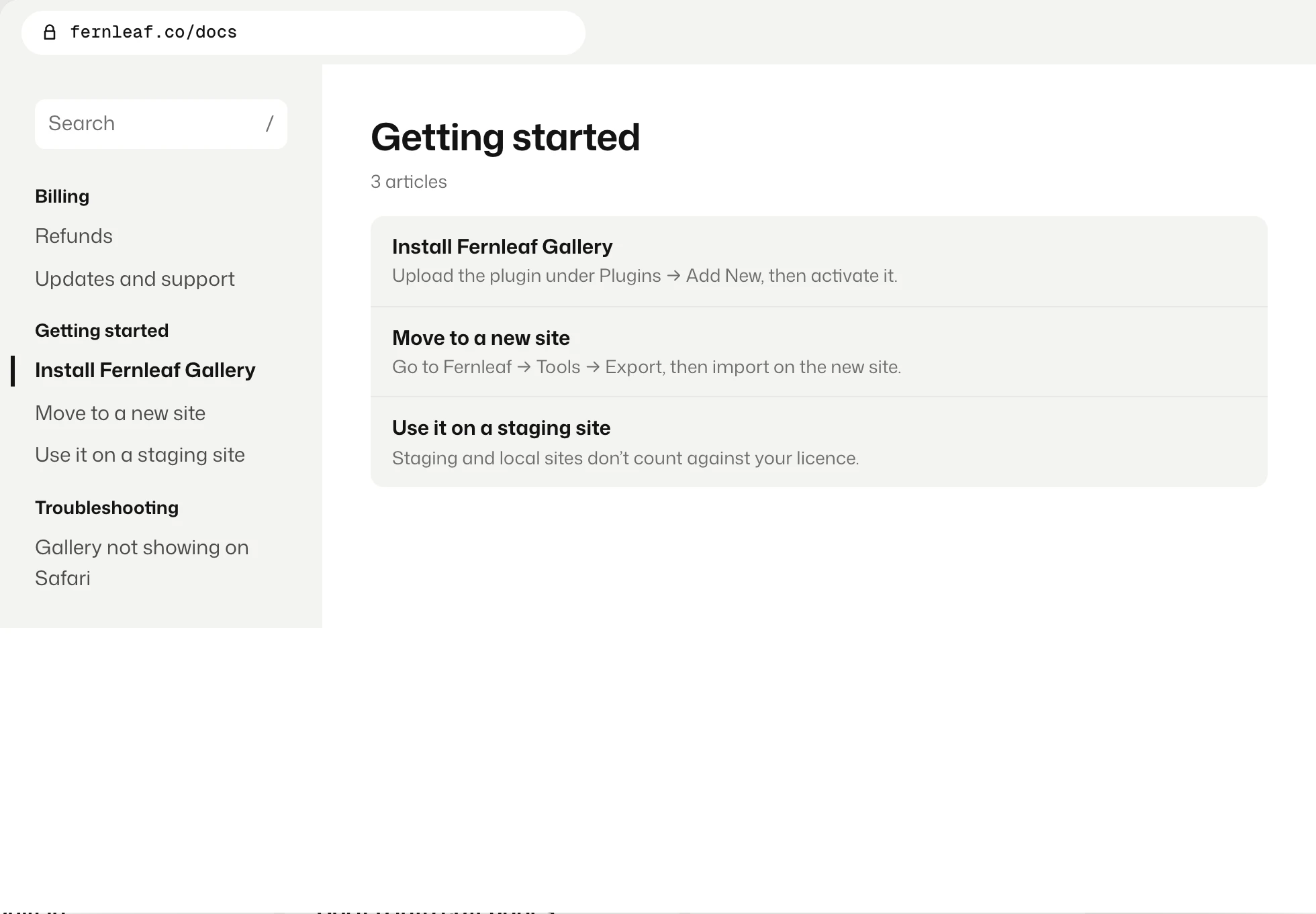
A help center on a site’s own address, with categories on the left and three articles.
On your own site
Search built in
Sorted into categories
Import from Help Scout, Intercom or Notion
Write

Write it once, inside WordPress.

  • The editor you already know
  • Sort docs into categories
  • Drafts stay hidden until you publish
The list of docs in Bridle: two published and one draft.
Answers

Bridle answers from every page.

  • Email replies name the doc they used
  • Chat answers link to it
  • Change the doc and the answers follow
A Bridle reply that names the help doc it used, and a chat answer that links to a doc.
Missing answers

See what is missing.

  • A list of questions with no doc yet
  • Sorted by how often people ask
  • Start the doc from the question
A list of three questions that have no doc yet, each with a Write a doc button.

The other three tools

They come in the same plugin.

Give your customers a place to find answers.

$99 once for the first 50 buyers, until 30 November. Then $149.